Use custom collation to specify language-specific rules for string comparison, such as rules for letter case and accent marks, within your aggregation pipeline.
About this Task
When entering a collation document, the locale field is mandatory. Default collation field values vary depending on which locale you specify. To learn more about supported languages and locales, see Collation Locales and Default Parameters.
Steps
In Atlas, go to the Data Explorer page for your project.
If it's not already displayed, select the organization that contains your project from the Organizations menu in the navigation bar.
If it's not already displayed, select your project from the Projects menu in the navigation bar.
In the sidebar, click Data Explorer under the Database heading.
The Data Explorer displays.
IMPORTANT: You can also click the name of a cluster to open the Cluster sidebar, and then click Data Explorer under the Shortcuts heading.
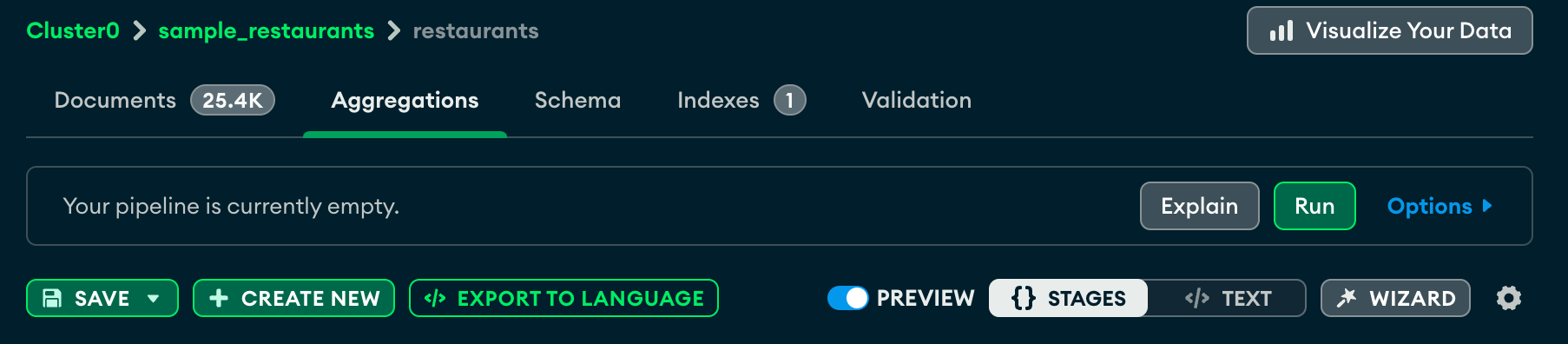
Enter your collation document
Next to the Collation field, enter your collation document.
After you enter your collation document, the aggregation pipeline builder considers the language-specific rules that you specified in your document.
Example
The following sample collation document specifies French as the chosen locale and sorts uppercase letters before lowercase letters with the caseFirst field:
{ locale: "fr", caseFirst: "upper" }