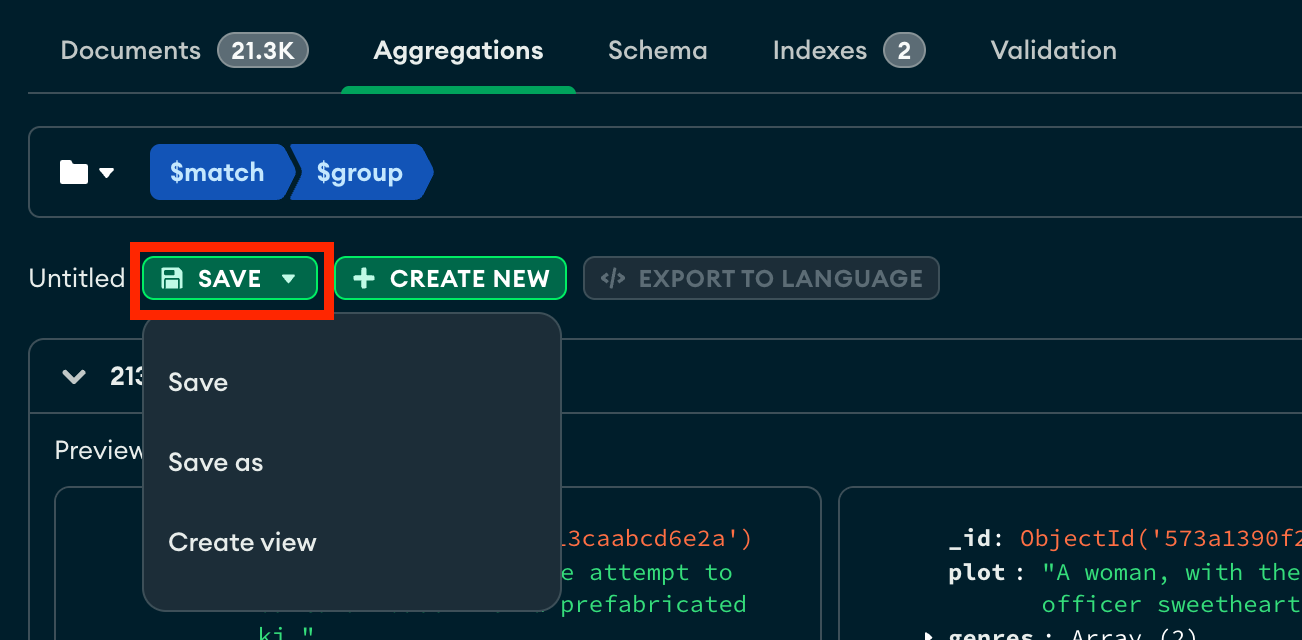
To quickly access the results of an aggregation pipeline without having to run it, you can create a view on Atlas. Views are read-only, so they can help keep your data secure by limiting user access to a predefined set of results.
About this Task
Creating a view does not save the aggregation pipeline itself.
Steps
1
In Atlas, go to the Data Explorer page for your project.
If it's not already displayed, select the organization that contains your project from the Organizations menu in the navigation bar.
If it's not already displayed, select your project from the Projects menu in the navigation bar.
In the sidebar, click Data Explorer under the Database heading.
The Data Explorer displays.
IMPORTANT: You can also click the name of a cluster to open the Cluster sidebar, and then click Data Explorer under the Shortcuts heading.
2