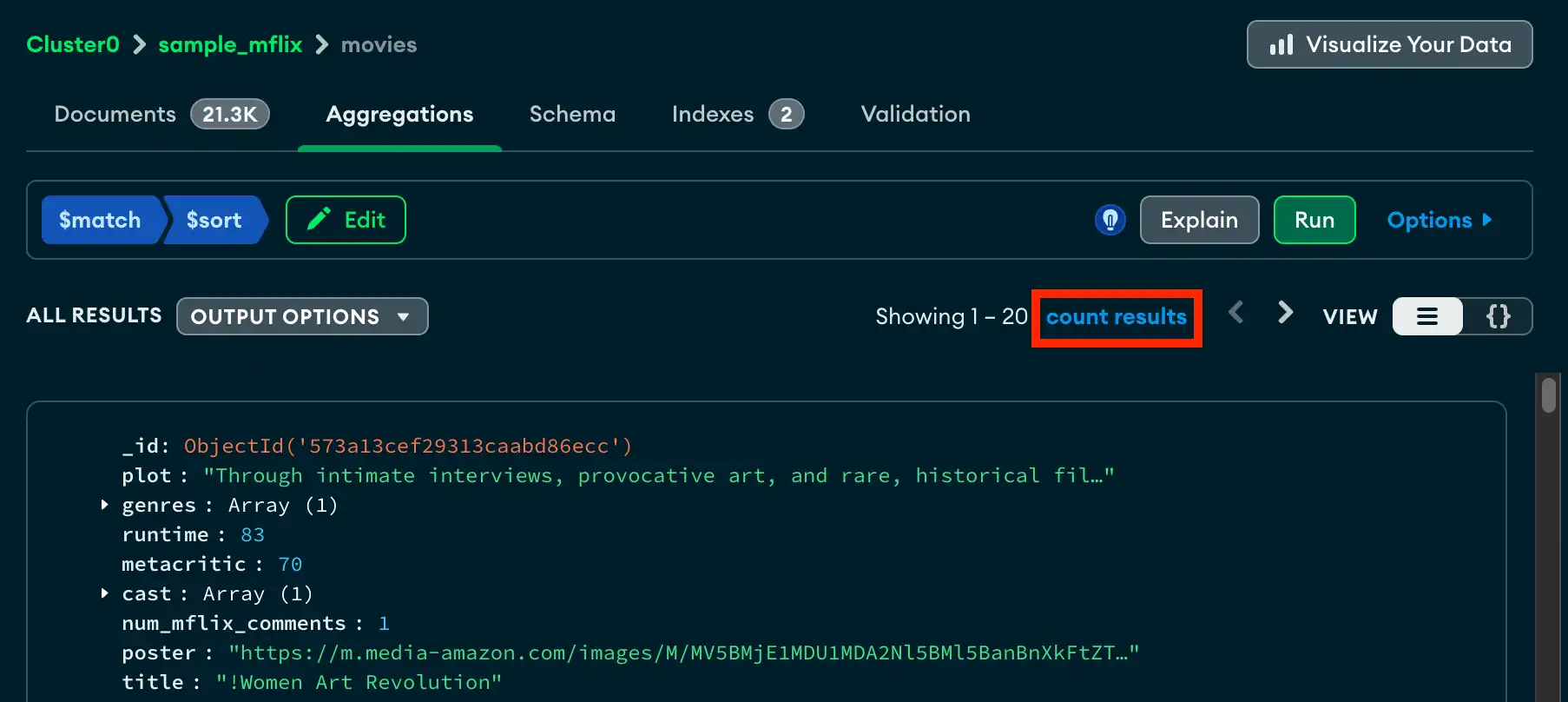
You can view the number of documents outputted by your pipeline with the count results button.
About this Task
When you delete or add a document, you must manually refresh the count results value on the Aggregations tab to reflect the new document count.
Before You Begin
To count result documents, you must first create and run your aggregation pipeline. You can't count result documents while editing your pipeline.
Steps
1
In Atlas, go to the Data Explorer page for your project.
If it's not already displayed, select the organization that contains your project from the Organizations menu in the navigation bar.
If it's not already displayed, select your project from the Projects menu in the navigation bar.
In the sidebar, click Data Explorer under the Database heading.
The Data Explorer displays.
3