The /query command assists in generating queries from a natural
language against a connected MongoDB cluster. The MongoDB Extension for Github Copilot provides
underlying schema information of the relevant collections to GitHub
Copilot to generate a response. If you do not specify a collection in
your prompt, the chat prompts you to select a relevant collection.
When the LLM generates a query, you can open the query in a playground file or run the query directly in your collection.
Sample Documents
You can configure the MongoDB Extension for Github Copilot to include sample field values
from your collection with the /query command. When MongoDB
includes sample documents with the /query command, the AI model receives
actual data examples, which helps it generate more accurate queries.
Sample documents are disabled by default. Use the following steps to enable including sample field values:
Steps
Navigate to the Visual Studio Code Settings
When enabled, sample documents are automatically passed to the model with the following behavior:
Up to 3 sample documents are included to provide context.
If including 3 sample documents exceeds the maximum context size for the AI model, the MongoDB Extension for Github Copilot includes only 1 document.
MongoDB limits array fields in sample documents to the first 3 items.
MongoDB truncates string fields to the first 20 characters to reduce context size while preserving data structure information.
Examples
Generate a Query
Consider the users collection in the Mflix Sample Database.
Each document in the collection has the following structure:
{ _id: { "$oid": "59b99db4cfa9a34dcd7885b6" }, name: "Kayden Washington", email: "KW@email.com", password: "11222021" }
Once you connect to the deployment that contains the users
collection, you can ask the GitHub Copilot chat to generate a query that
finds the document in the users collection that has the name
value of Kayden Washington.
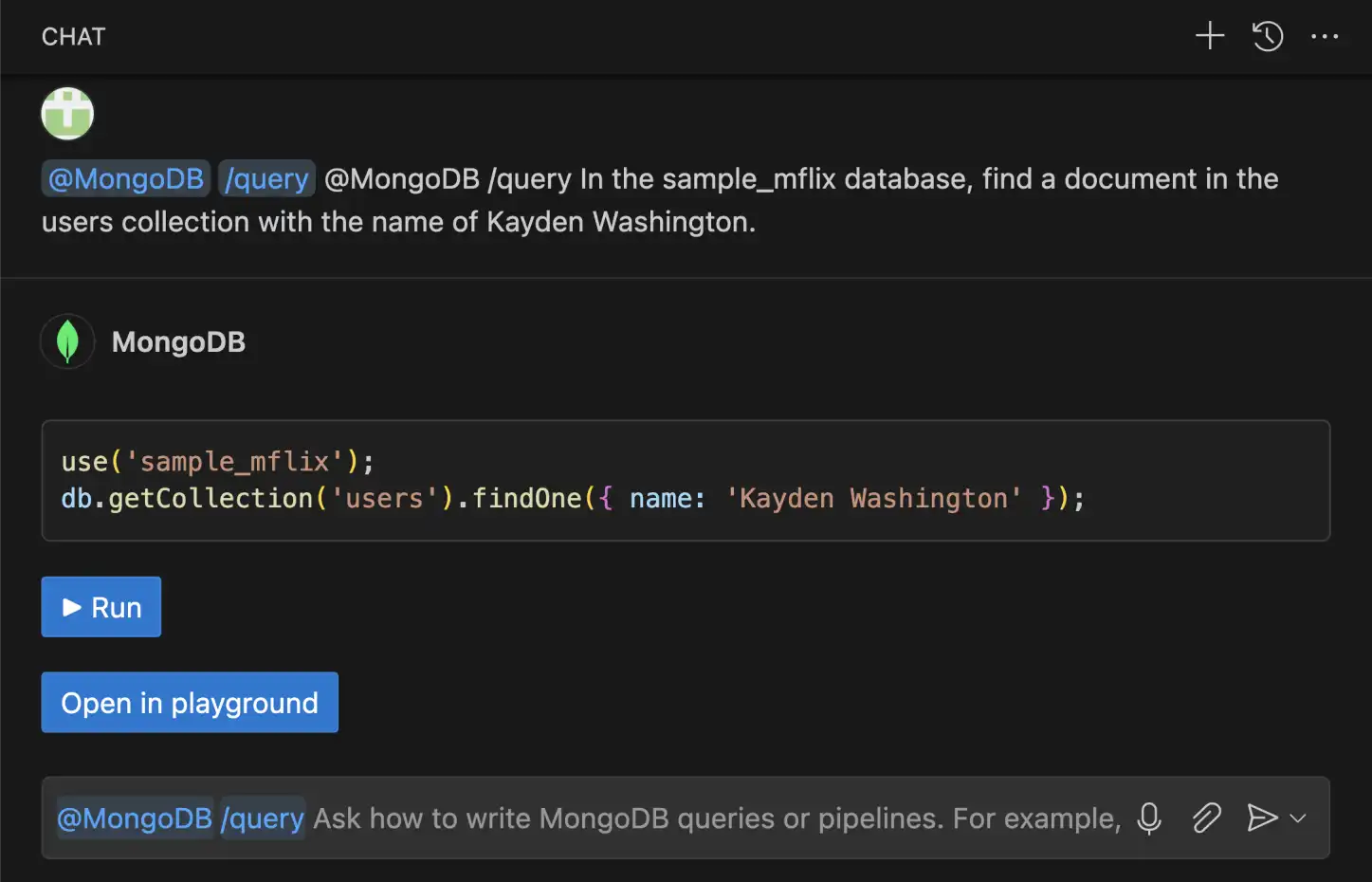
@MongoDB /query In the sample_mflix database, find a document in the users collection with the name of Kayden Washington.
The GitHub Copilot Chat uses the MongoDB Extension for Github Copilot to generate the following query using knowledge of your database schema:
use(`sample_mflix`); db.getCollection('users').findOne({ name: 'Kayden Washington' });
Once the MongoDB Extension for Github Copilot generates the query, you can choose to run the query directly or open the query in a playground.

Build an Aggregation Pipeline
You can also use the MongoDB Extension for Github Copilot to build aggregation pipelines. Consider
the users collection in the Mflix Sample Database.
Each document in the collection has the following structure:
{ _id: { "$oid": "59b99db4cfa9a34dcd7885b6" }, name: "Kayden Washington", email: "KW@email.com", password: "11222021" }
Once you connect to the deployment that contains the users
collection, you can ask the GitHub Copilot chat to generate an aggregation pipeline.
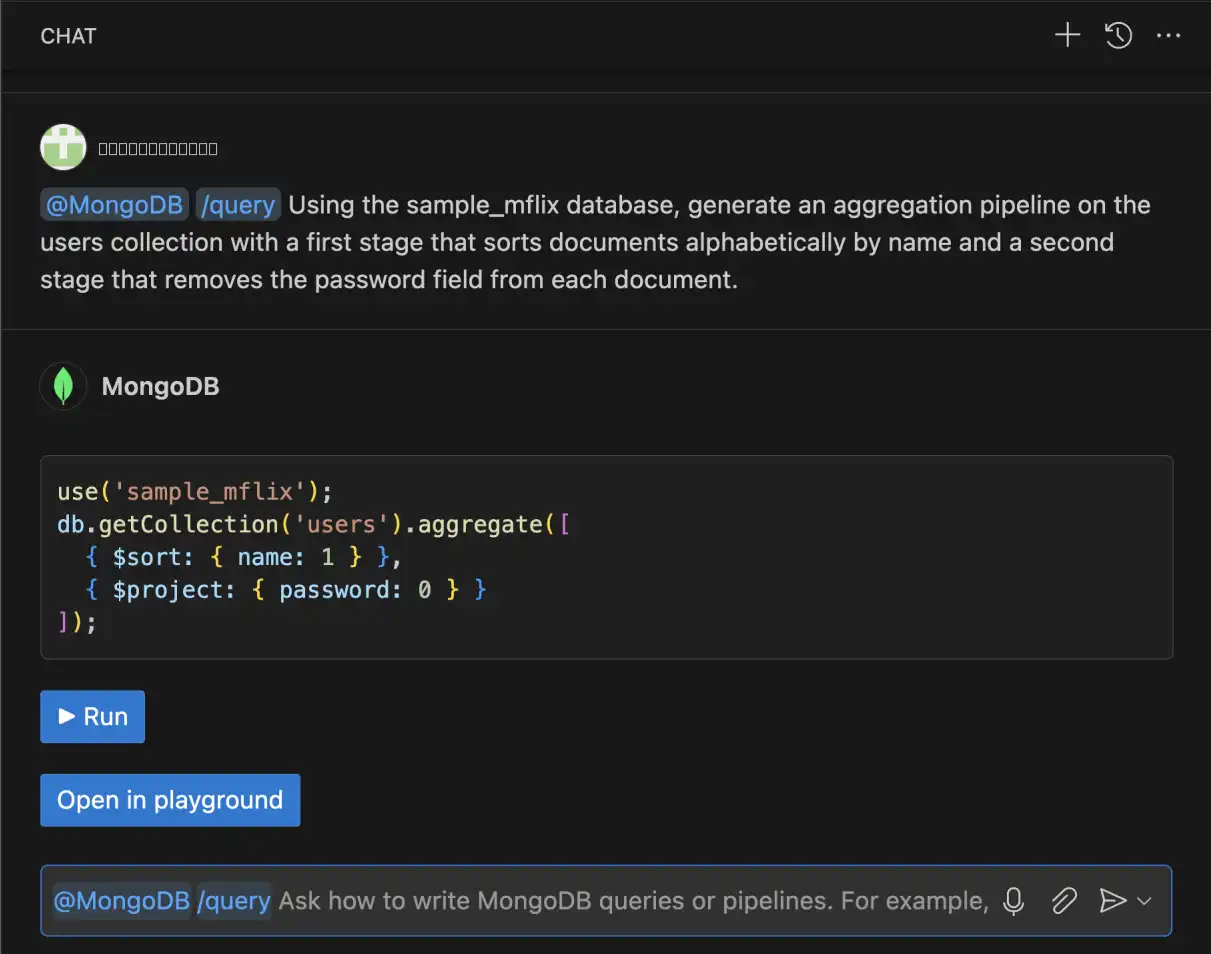
@MongoDB /query Generate an aggregation pipeline on the users collection that first sorts documents alphabetically by name and then removes the password field from each document.
The MongoDB Extension for Github Copilot generates the following aggregation pipeline:
use('sample_mflix'); db.getCollection('users').aggregate([ { $sort: { name: 1 } }, { $project: { password: 0 } } ]);
Once the MongoDB Extension for Github Copilot generates the query, you can choose to run the pipeline directly or open the pipeline in a playground.

You can also iteratively build on your aggregation pipeline:
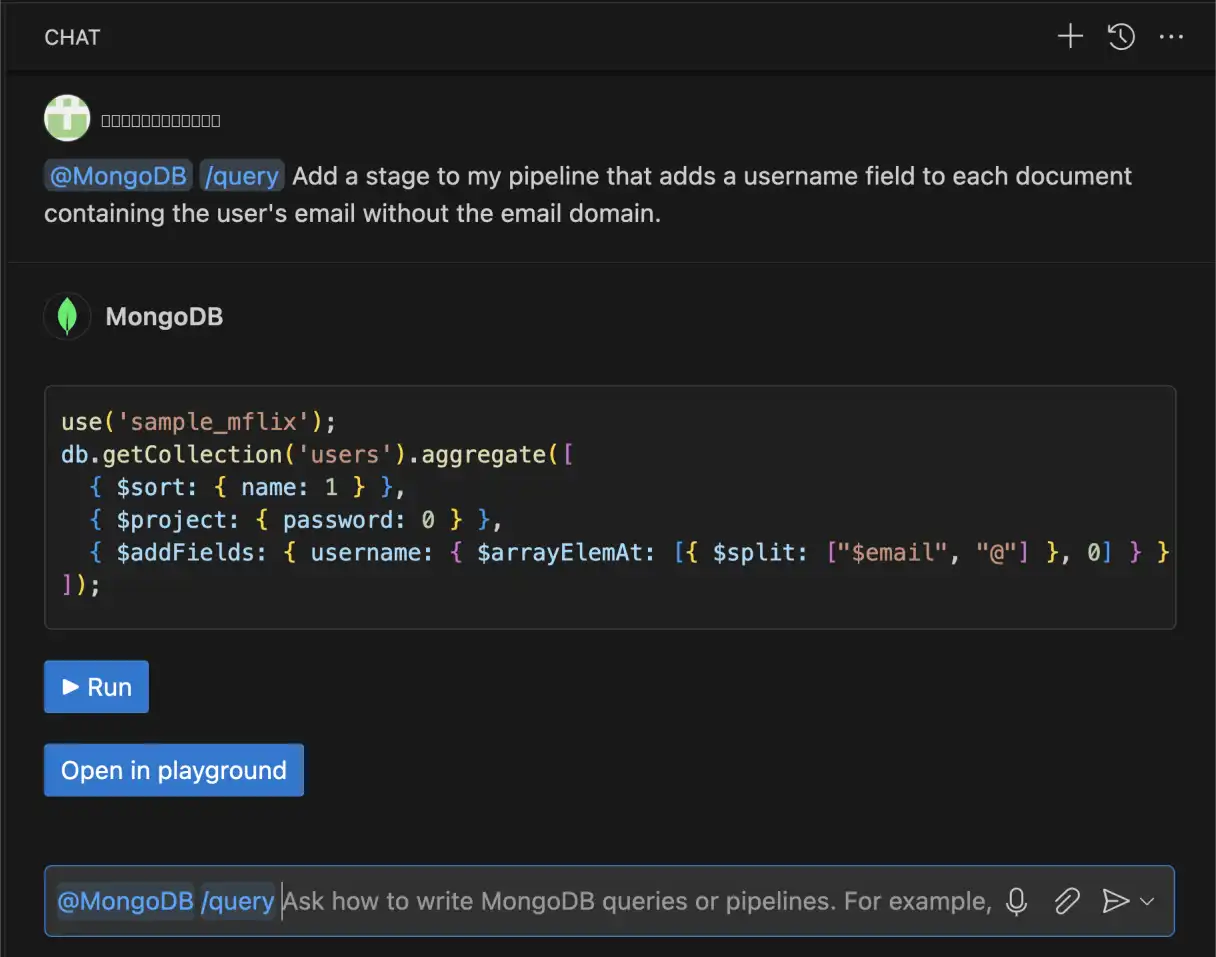
@MongoDB /query Add a stage to my pipeline that adds a username field to each document containing the user's email without the email domain.
The MongoDB Extension for Github Copilot returns the following aggregation pipeline:
use('sample_mflix'); db.getCollection('users').aggregate([ { $sort: { name: 1 } }, { $project: { password: 0 } }, { $addFields: { username: { $arrayElemAt: [{ $split: ["$email", "@"] }, 0] } } } ]);