Important
The feature described on this page is not currently supported on Atlas Infinite clusters during public preview. For the features supported in public preview, see Public Preview Availability.
MongoDB provides an extension for Microsoft Visual Studio Code which lets you work with MongoDB and your data directly within your coding environment.
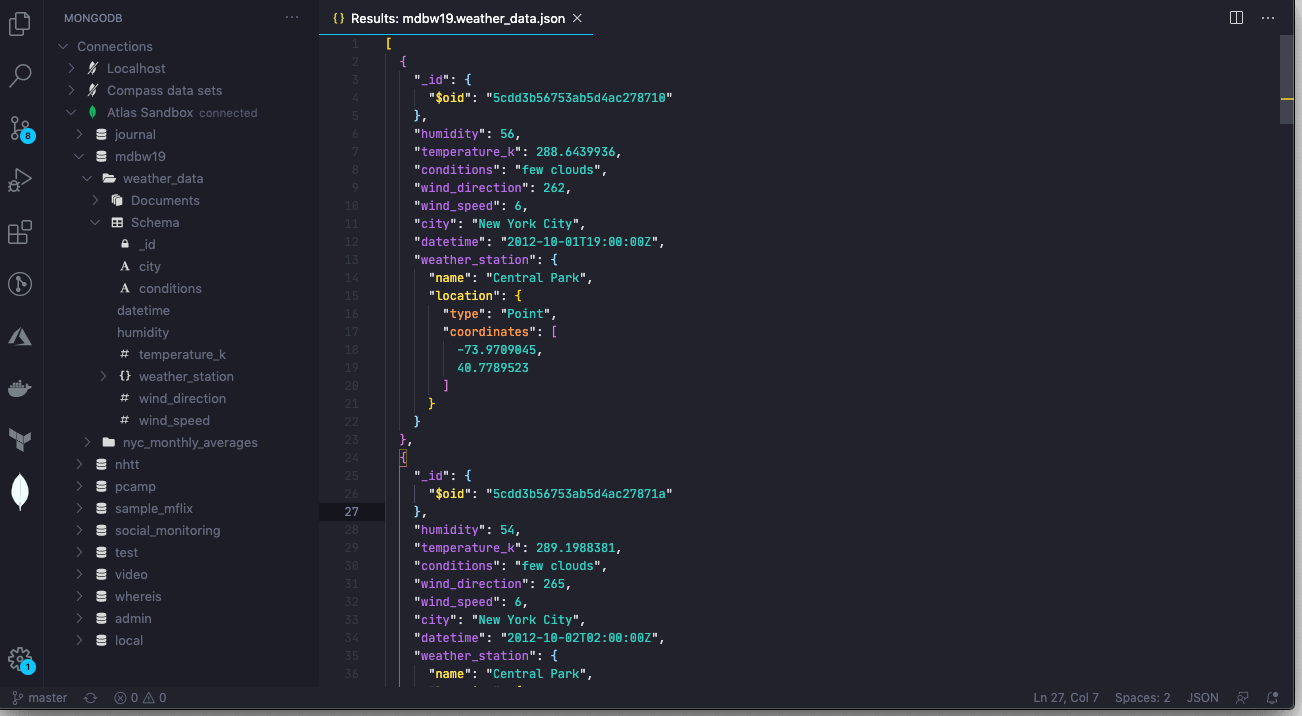
Features
You can use MongoDB for VS Code Extension to:
Explore your MongoDB Data.
Prototype queries and run MongoDB commands.
Interact with your MongoDB data using natural language.
Create a Flex cluster using a Terraform template.
Perform common MongoDB tasks using official MongoDB Agent Skills.
Get Started
- Install MongoDB for VS Code Extension from the VS Code Marketplace.
- Connect to your deployment using MongoDB for VS Code Extension.
- Explore your databases, collections, and documents.
- Use JavaScript environments to interact your data. Prototype queries, run aggregations, and more.
- Use the MongoDB MCP server to interact with your MongoDB data in natural language from AI clients like Github Copilot.
- Use official MongoDB Agent Skills to perform common MongoDB tasks using AI agents.
- Use the MongoDB Extension for Github Copilot to generate code and queries from natural language.
- Create a Flex cluster using a Terraform template included with MongoDB for VS Code Extension.