You can specify a default sort order for documents shown in Compass through the Settings panel.
Note
If you specify a sort order through a query in the Query Bar, the sort order that you specify in the query overrides the default sort order.
If you save a query, Compass does not save the default sort order as part of the saved query.
About This Task
You can choose one of the following default sort options:
Sort Key | Description |
|---|---|
MongoDB server default | Sort in the natural order of documents |
_id: 1 | Sort in ascending order by the |
_id: -1 | Sort in descending order by the |
$natural: -1 | Sort in reverse natural order of documents, but ignore existing indexes. WARNING: Only use this option with development clusters. |
Note
The default sort option you select does not apply to views or time series collections.
Procedure
Open MongoDB Compass Settings
Click the gear icon on the left column of the Compass home screen to open MongoDB Compass Settings.

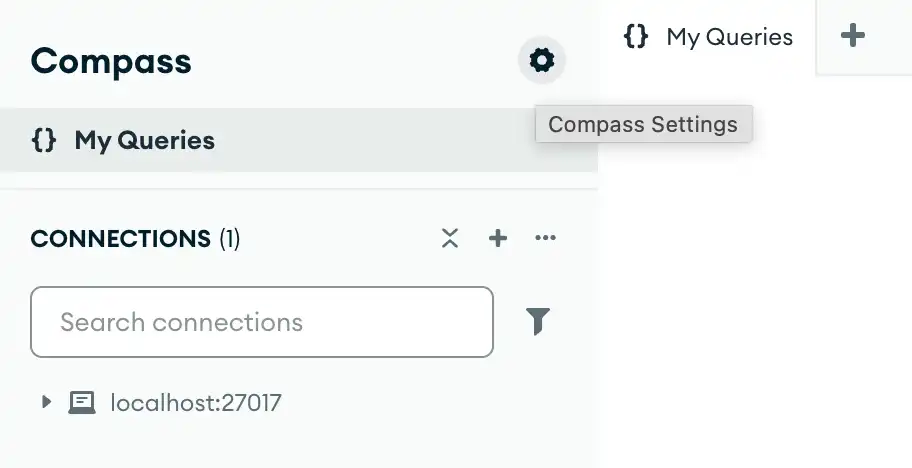
Alternatively, you can use keyboard shortcuts to open the Settings panel:
Windows / Linux:
Ctrl+,Mac:
⌘+,
Compass opens a dialog box where you can configure your MongoDB Compass settings.
Note
If you do not specify a default sort order, Compass uses the MongoDB server
default sort order of $natural: 1, unless otherwise specified in the
Query Bar.